BIM IT Infrastructure Support
BIM and Engineering Modelling Infrastructure
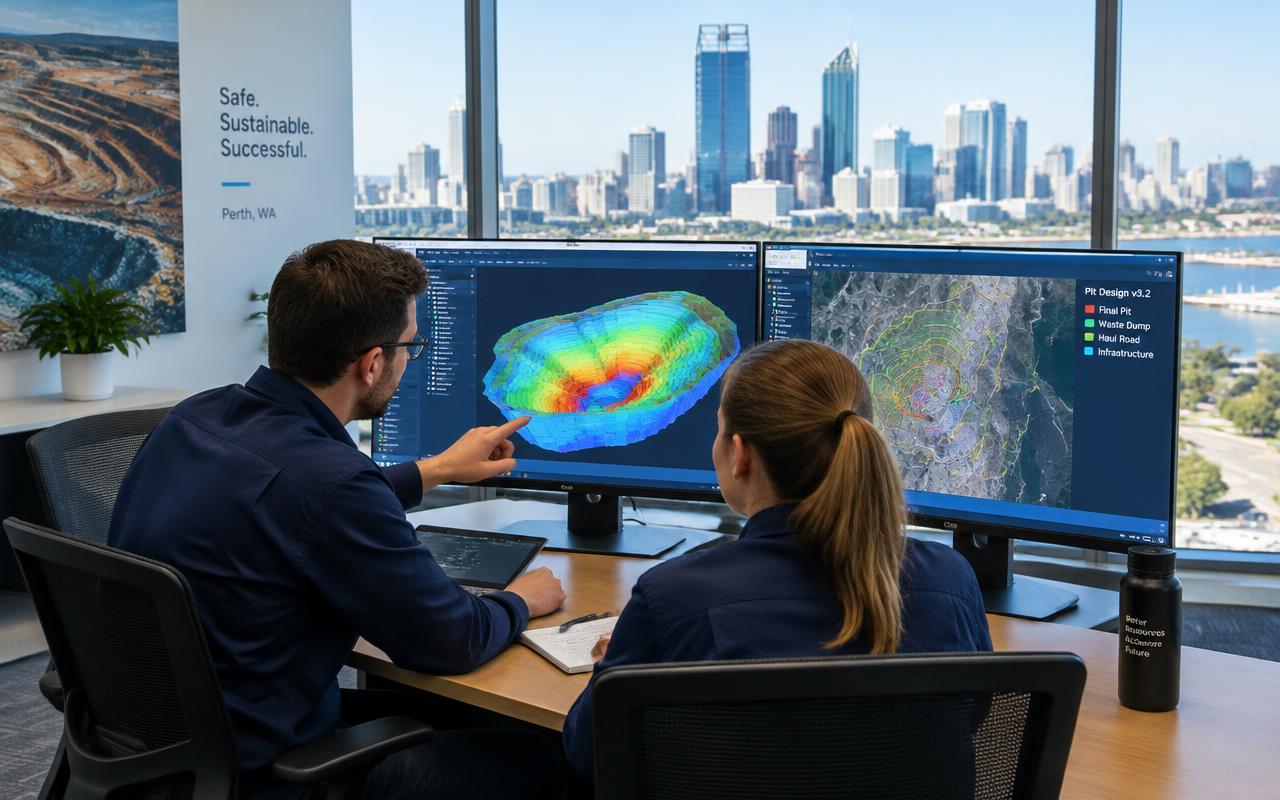
Infrastructure that keeps engineers productive. We specify CAD and BIM workstations with suitable GPUs, deliver remote desktop and virtual machine access, provide large-file storage and secure collaboration, and ensure compatibility with the engineering applications your teams use.
Engineering and design teams work with large models and shared datasets that stress workstations, storage and networks. When the infrastructure is wrong, engineers wait.
Workstations and remote access
We specify workstations with appropriate CPU, memory and GPU for modelling, and provide remote desktop or virtual machine access so engineers can work with large models from site or home.
Shared model data
Large file storage, secure remote access and version management coordination support collaboration across offices, sites and external consultants. Autodesk and other engineering platforms are typical application environments; vendor certifications are not implied.
Capabilities
What we deliver
- CAD and BIM workstation specification
- GPU workstations
- Remote desktop infrastructure
- Virtual machines
- Server resources
- Large file storage
- Application compatibility
- Shared model data
- Secure remote access
- Version management coordination
- Project collaboration infrastructure
Common operational challenges
- Models slow to open over VPN
- Underpowered laptops for modelling
- Uncontrolled file versions
Mining use cases
- Engineering team for a plant expansion
- Remote access to models from site
- Consultant collaboration on a project
Delivery methodology
How we deliver
Assess
We review your sites, users, connectivity and risks, and confirm scope, access and induction requirements.
Design
We select standard, supportable technology and document the solution, costs and delivery plan.
Deploy
Equipment is prepared and tested before dispatch; remote and field engineers implement around your rosters.
Support
Everything is monitored and supported 24/7, with field services coordinated when physical work is needed.
Frequently asked questions
Do you provide BIM software training?
+
No, training is provided by vendors; we support the infrastructure.
Can engineers work from site on large models?
+
Yes, via remote desktop or VMs so the model stays on central infrastructure.
Which GPU do we need?
+
It depends on the applications and model sizes; we size to vendor recommendations.
Are you an Autodesk partner?
+
We do not claim vendor certifications; we support the IT platform for these applications.
Related services
Drone Data Storage & Processing
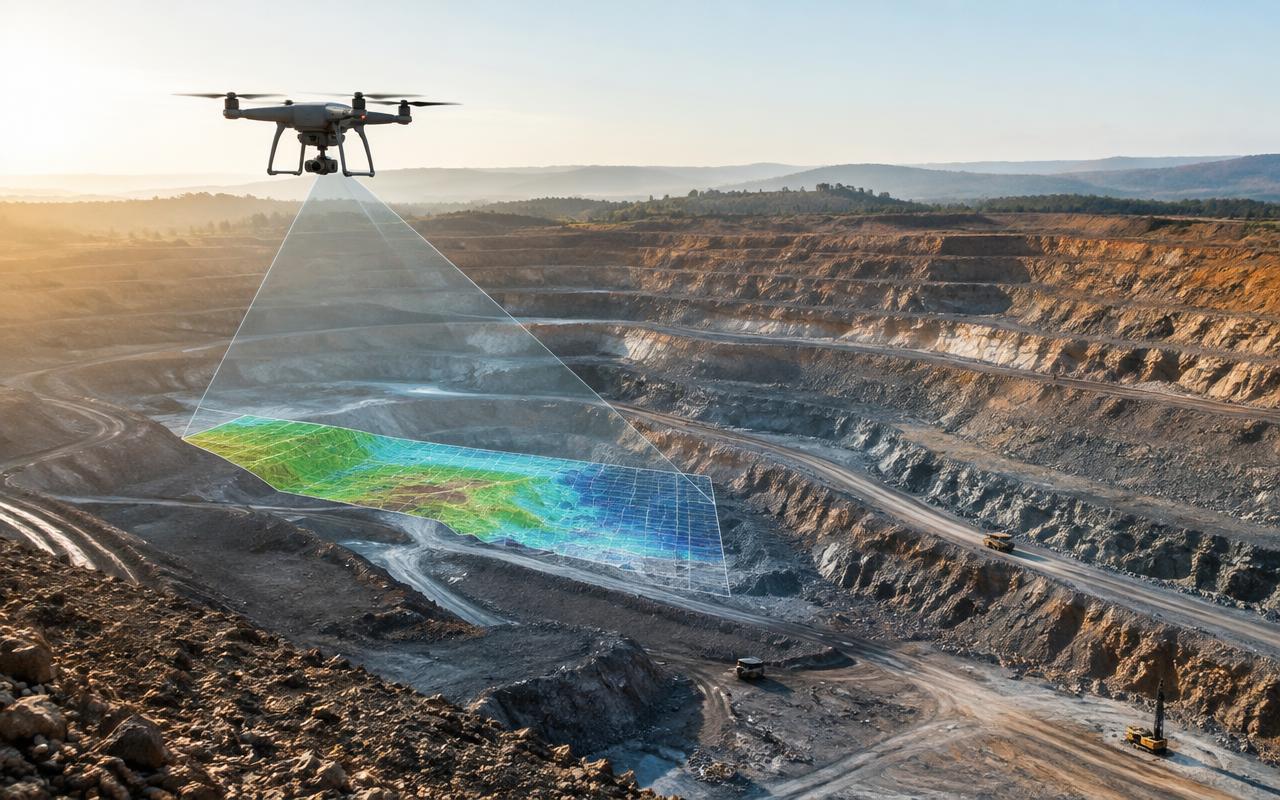
Infrastructure for high-volume drone data. Large-capacity NAS, 10GbE networking, high-performance and GPU-capable workstations, local file servers and controlled cloud synchronisation let survey teams ingest, process and share imagery on site instead of waiting on satellite uploads.
Learn more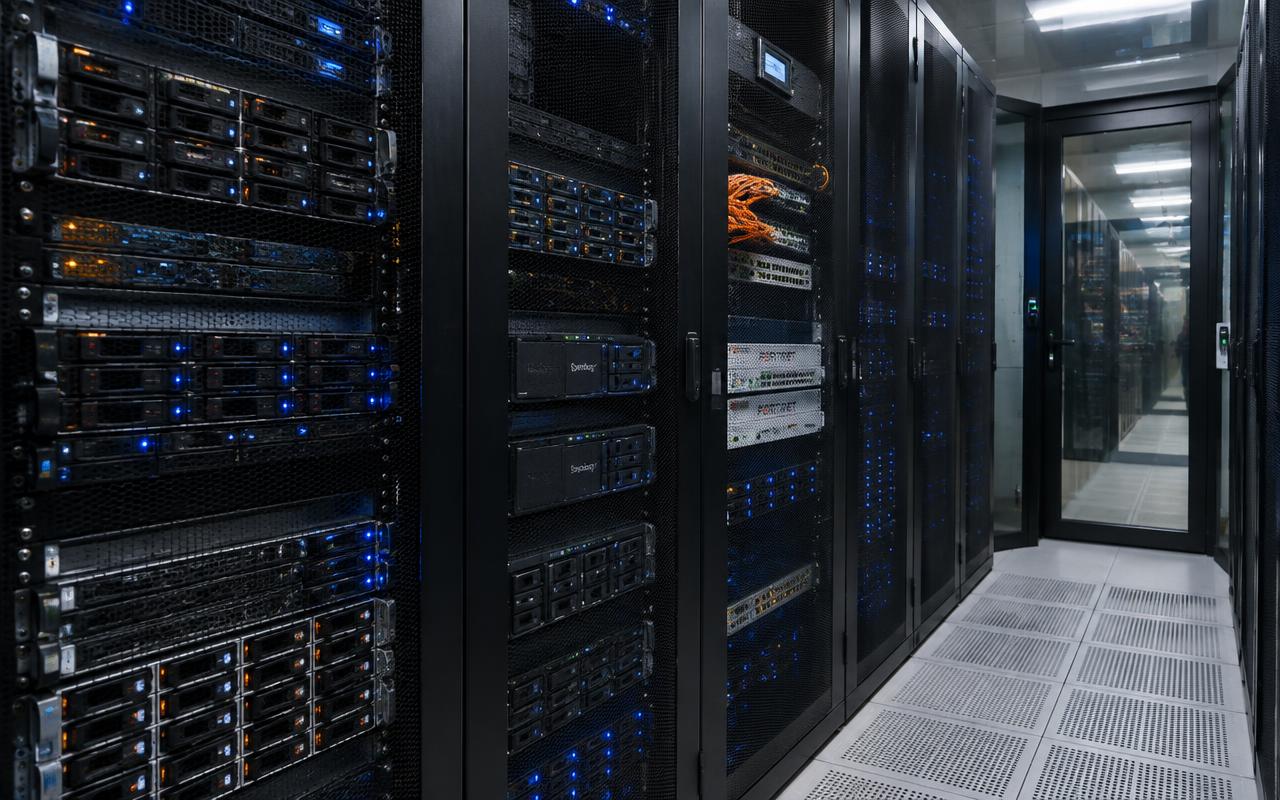
Servers & Virtualisation
Local compute where the cloud is too far away. We design and support HPE and Lenovo servers and virtualisation for workloads that need to stay on site — file services, licence servers, applications and local processing — with UPS, secure access, backups and remote administration.
Learn moreSoftware & Application Support
Practical support for the applications mining teams rely on — from Microsoft 365 to geological, engineering and maintenance software. We package and deploy software, manage licences and access, troubleshoot performance and coordinate with vendors when product expertise is needed.
Learn moreEnquire about BIM & Engineering Infrastructure
Your Operations Are Remote. Your IT Support Doesn’t Have to Be.
Whether you need a 24/7 helpdesk, a secure mine-site network, satellite connectivity or engineers to assist with a remote deployment, our team can help you plan the right solution.